Coming soon to iPhone and Android
Read, write and manage NFC tags.
nfcify reads any NFC tag, writes links, Wi-Fi and contacts, then copies, erases, password-protects or locks the tags you own. No account, no ads, and your scans stay on your phone.

iPhone XR or newer on iOS 18.2+, and Android phones with NFC.
Three tabs
Read it, write it, then look after it.
Everything lives in three tabs. Every screen on this page is the real app.
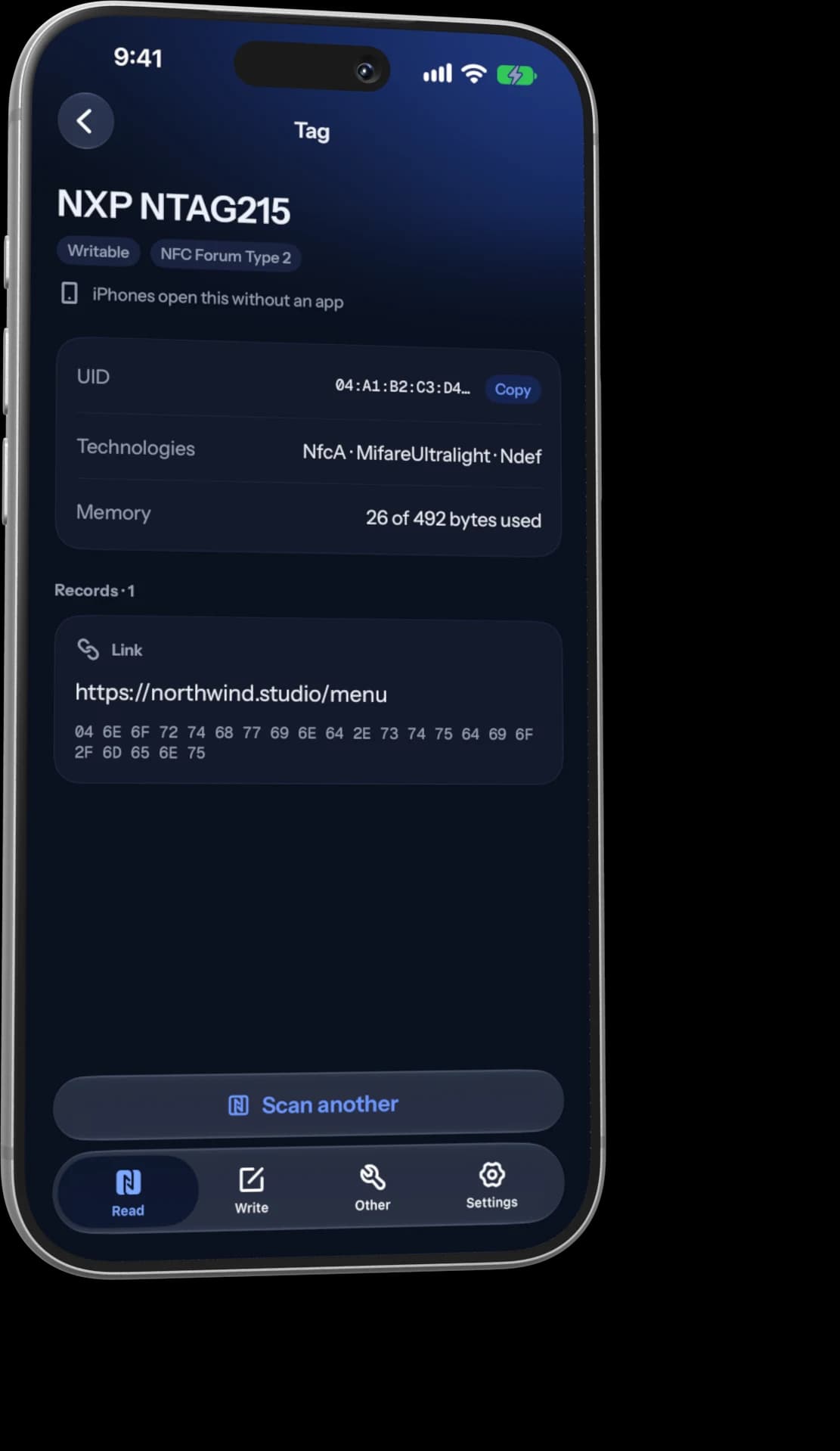
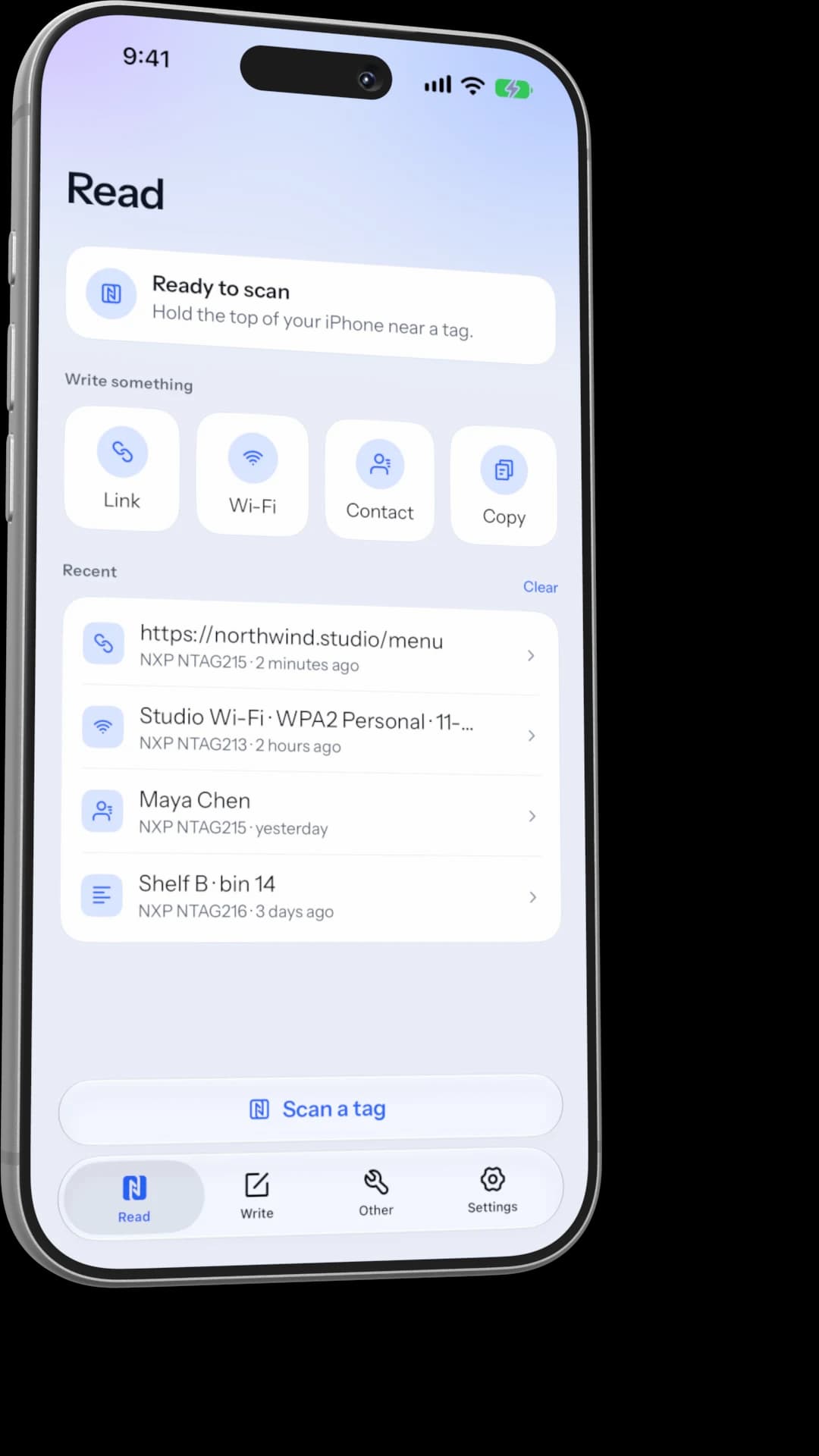
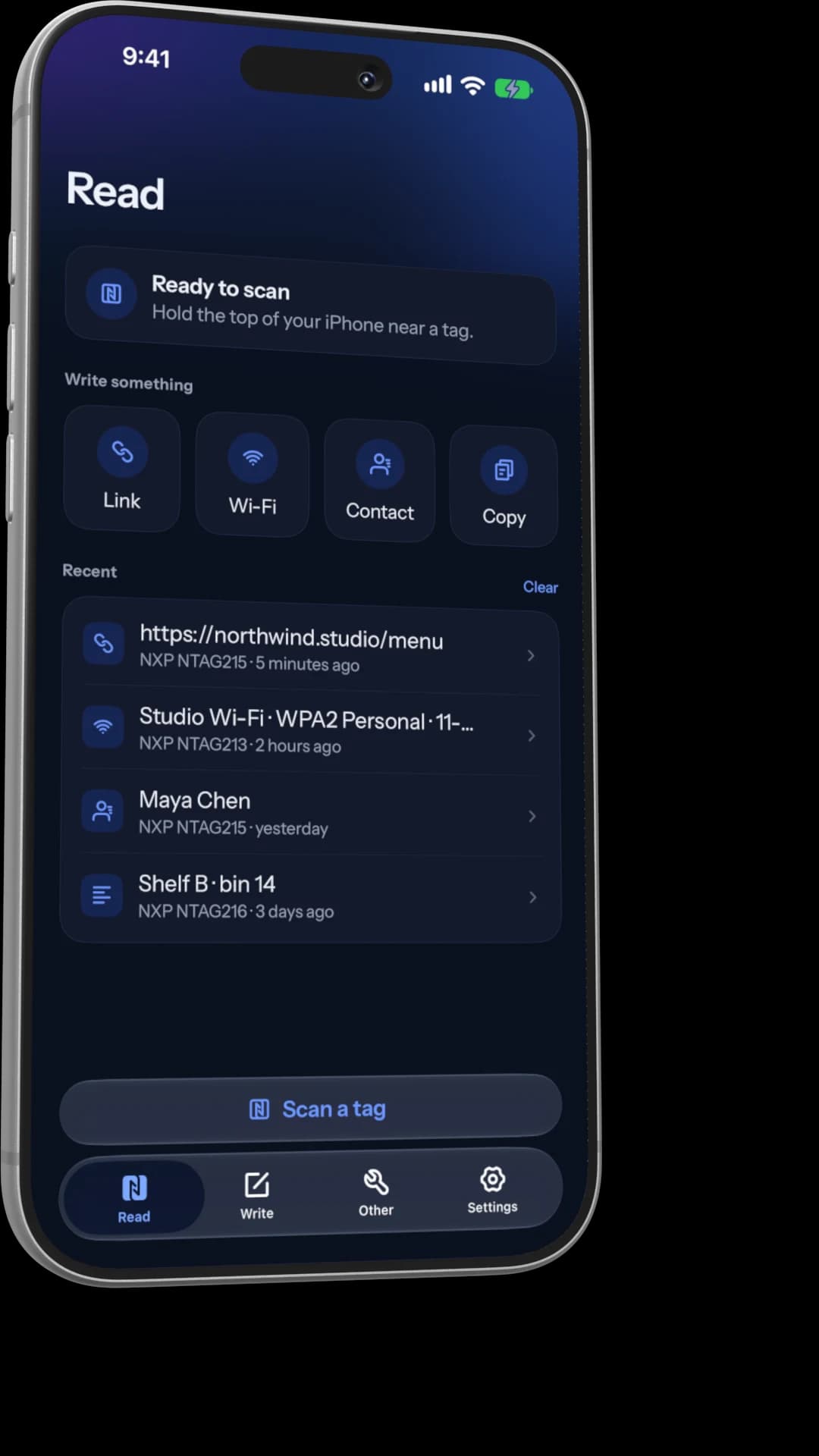
Read
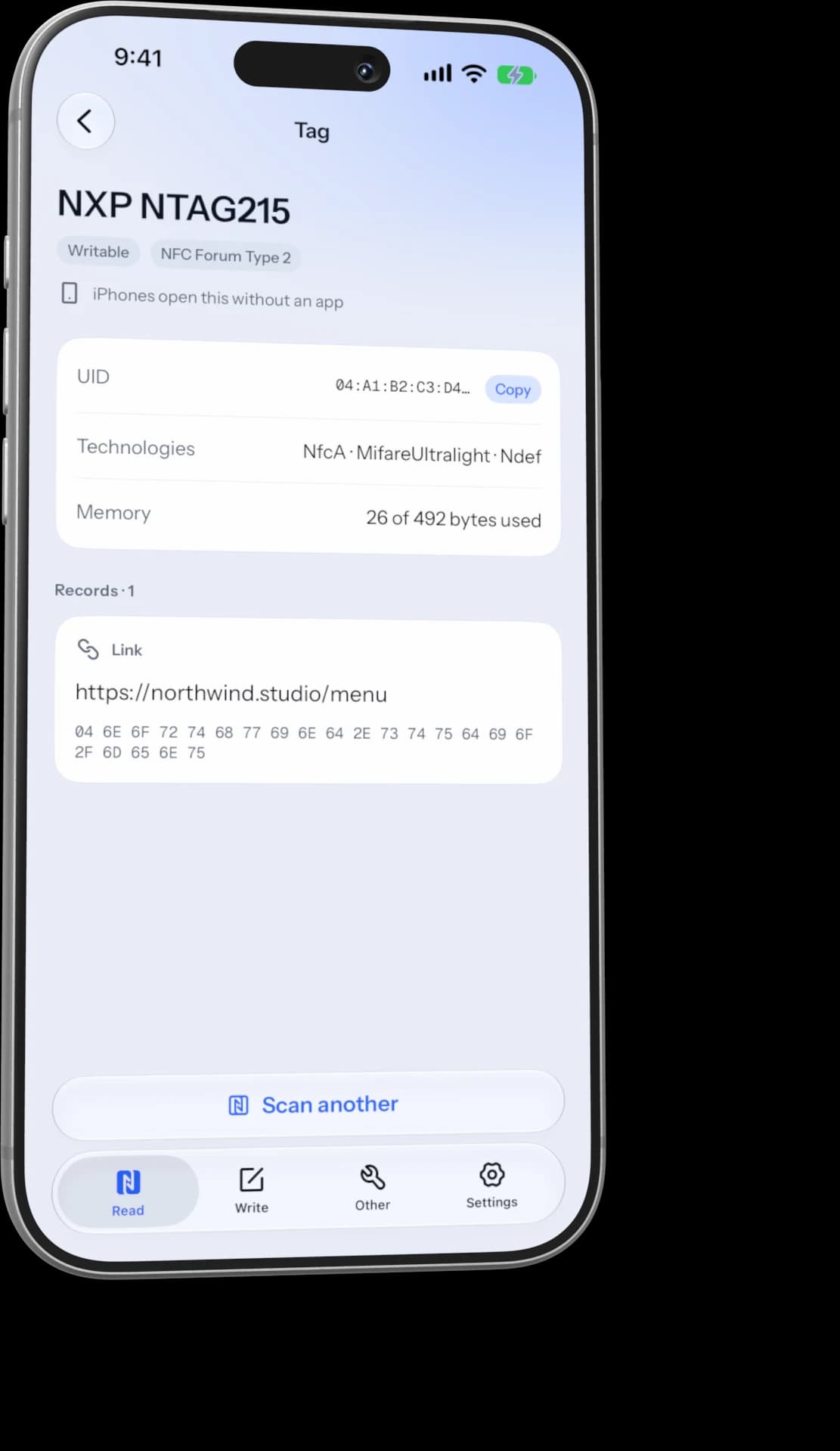
Hold your phone near a tag. That's it.
nfcify shows every record on the tag in plain words, with the raw bytes underneath. You also see the chip, its UID, how much memory is used and whether it can still be written.
- Links, Wi-Fi, contacts and text in plain words
- Chip, UID and memory for every tag
- Recent scans kept on your phone, not a server
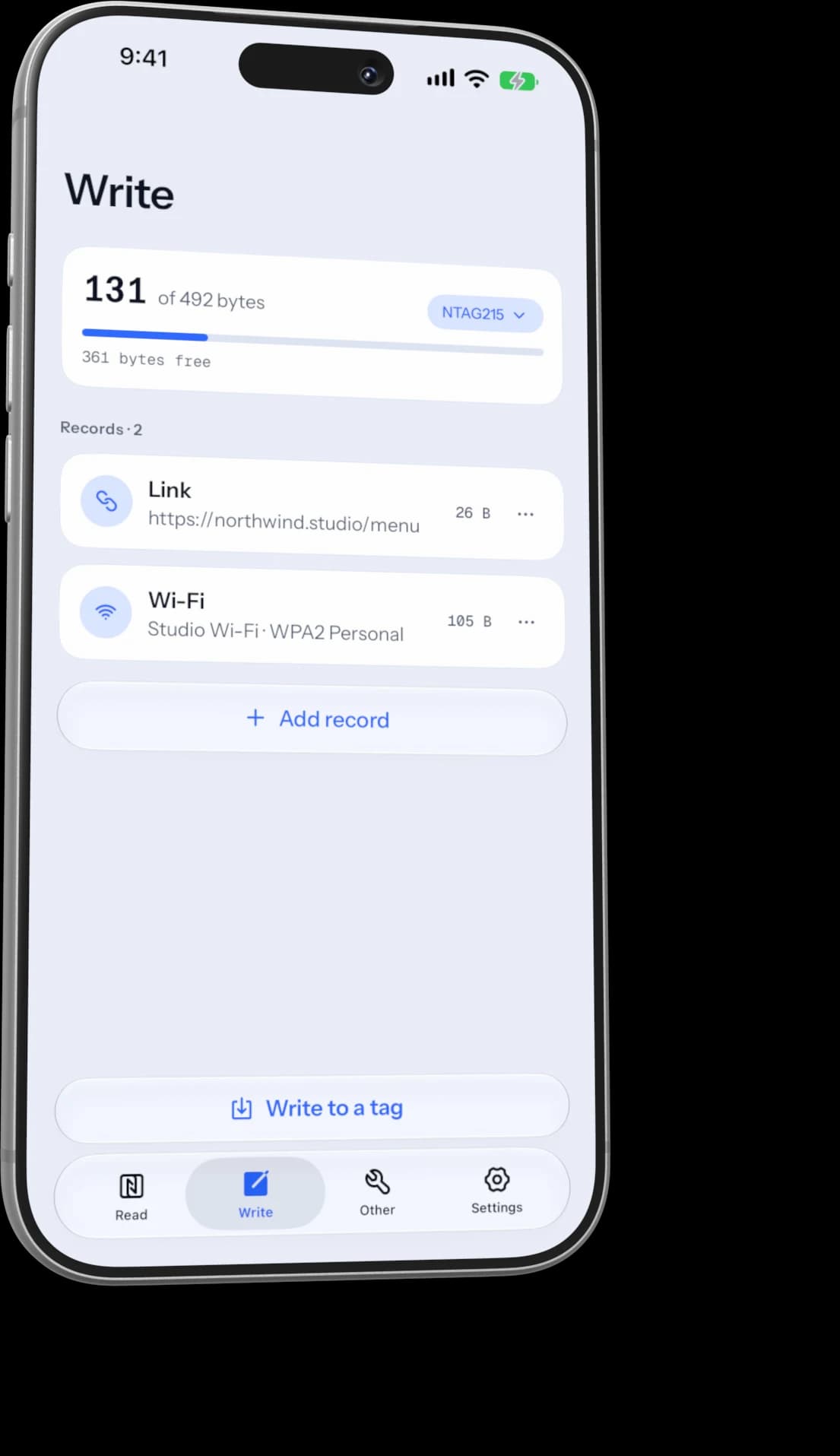
Write
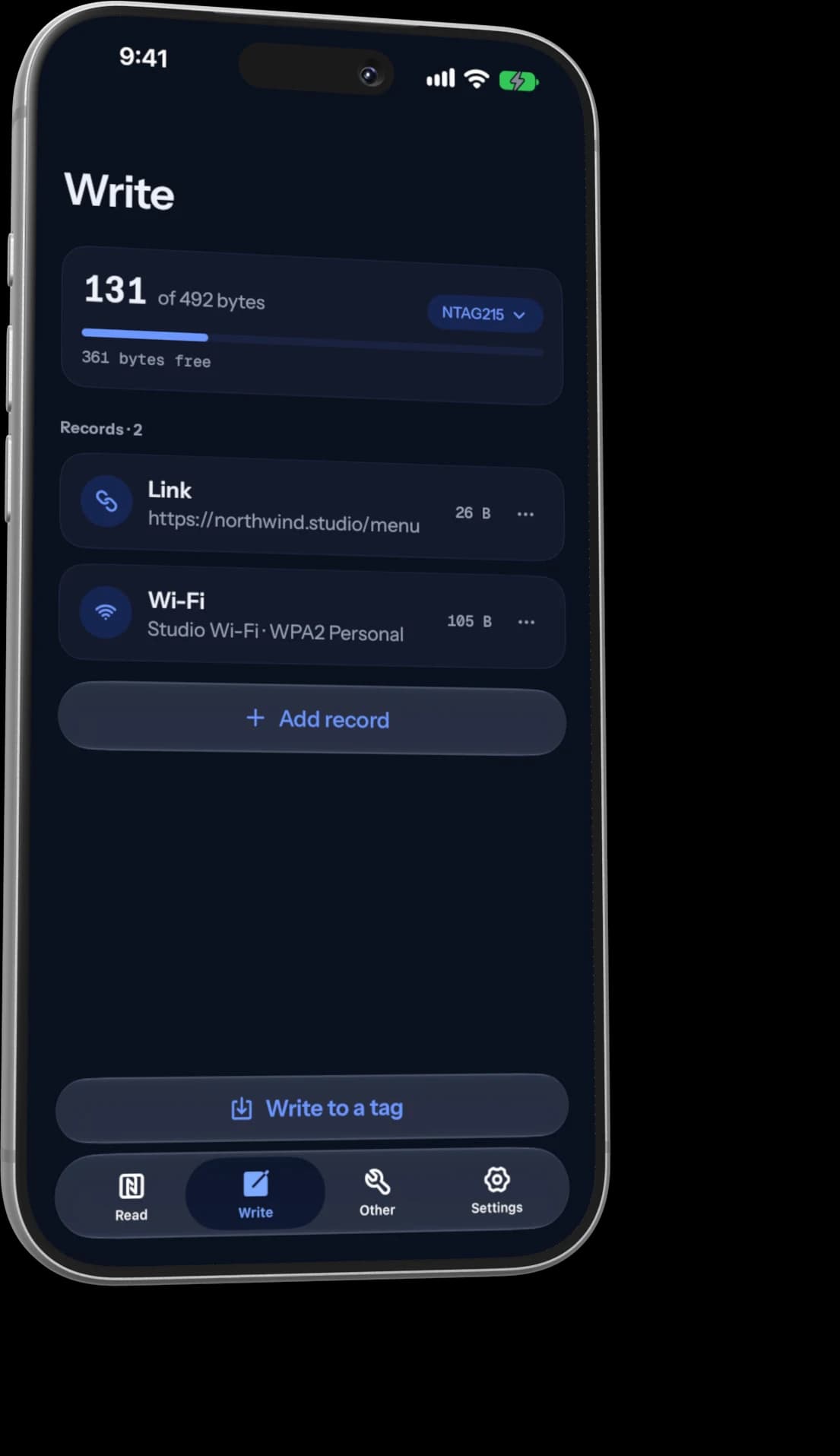
Put more than one thing on a tag.
Add records one at a time: a link, your Wi-Fi network, a contact, a phone number, an email and more. A meter shows how many bytes you've used, so you know it fits before you tap.
- 11 record types, from links to raw NDEF
- Pick your chip to see exactly what fits
- Warns you when an iPhone won't open a record by itself
Other
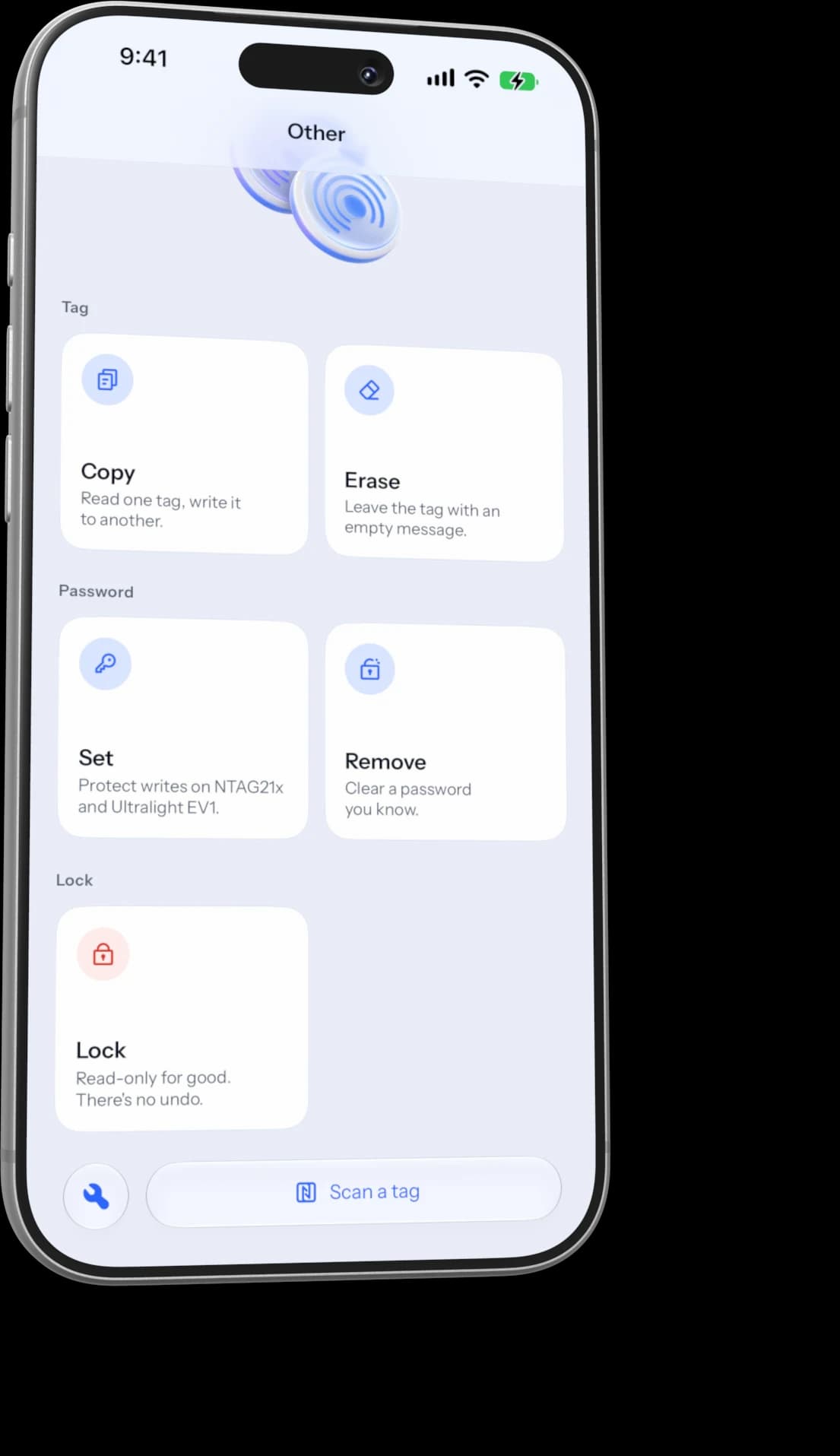
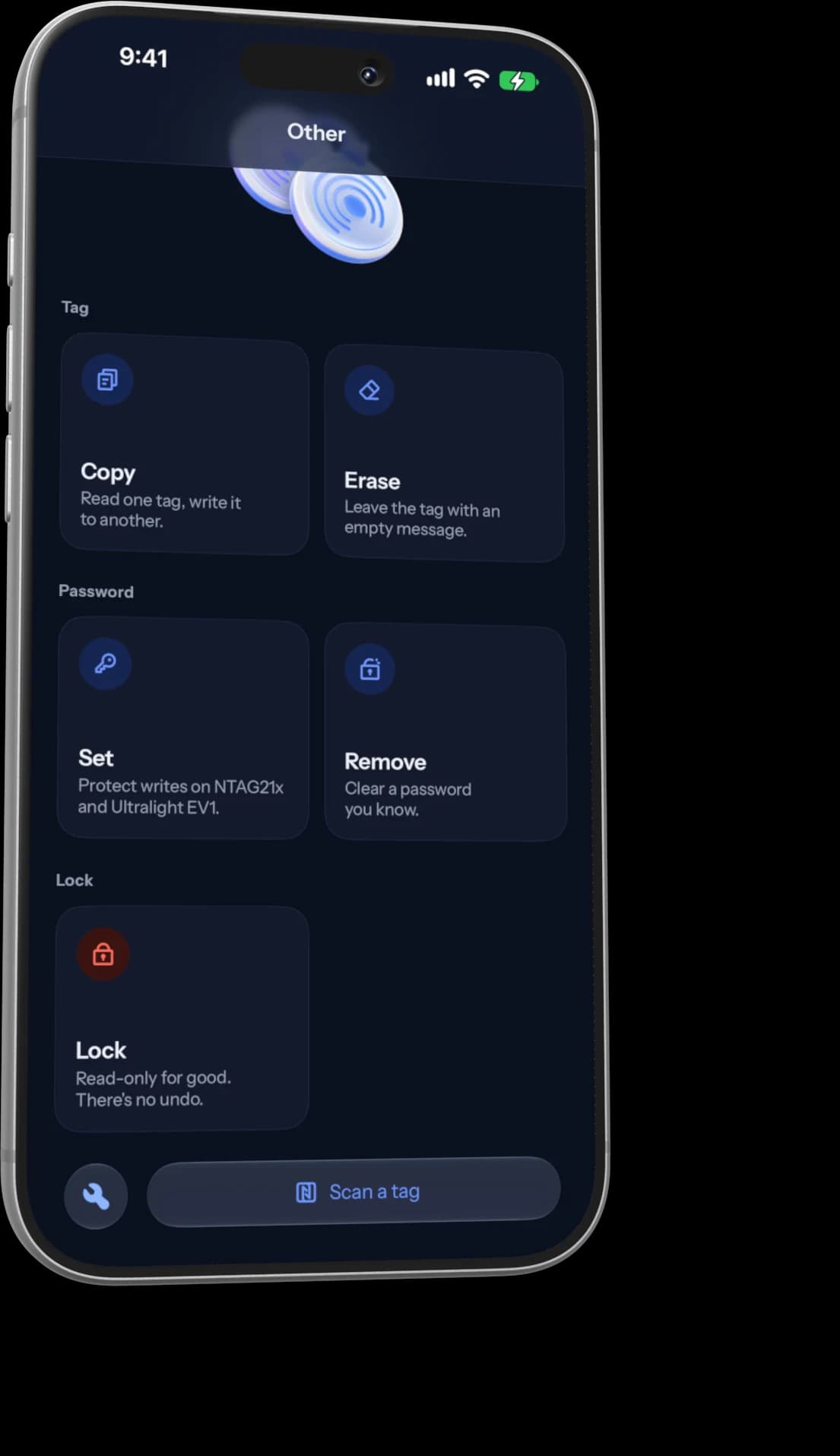
Copy, erase, protect or lock.
Copy one tag onto another, wipe a tag back to empty, or set a password so only you can change it. When a tag is finished, lock it and it's read-only for good.
- Passwords on NTAG213, 215, 216 and Ultralight EV1
- Asks twice before it locks anything
- Never keeps a copy of your tag passwords
Supported tags
Works with the tags you can buy.
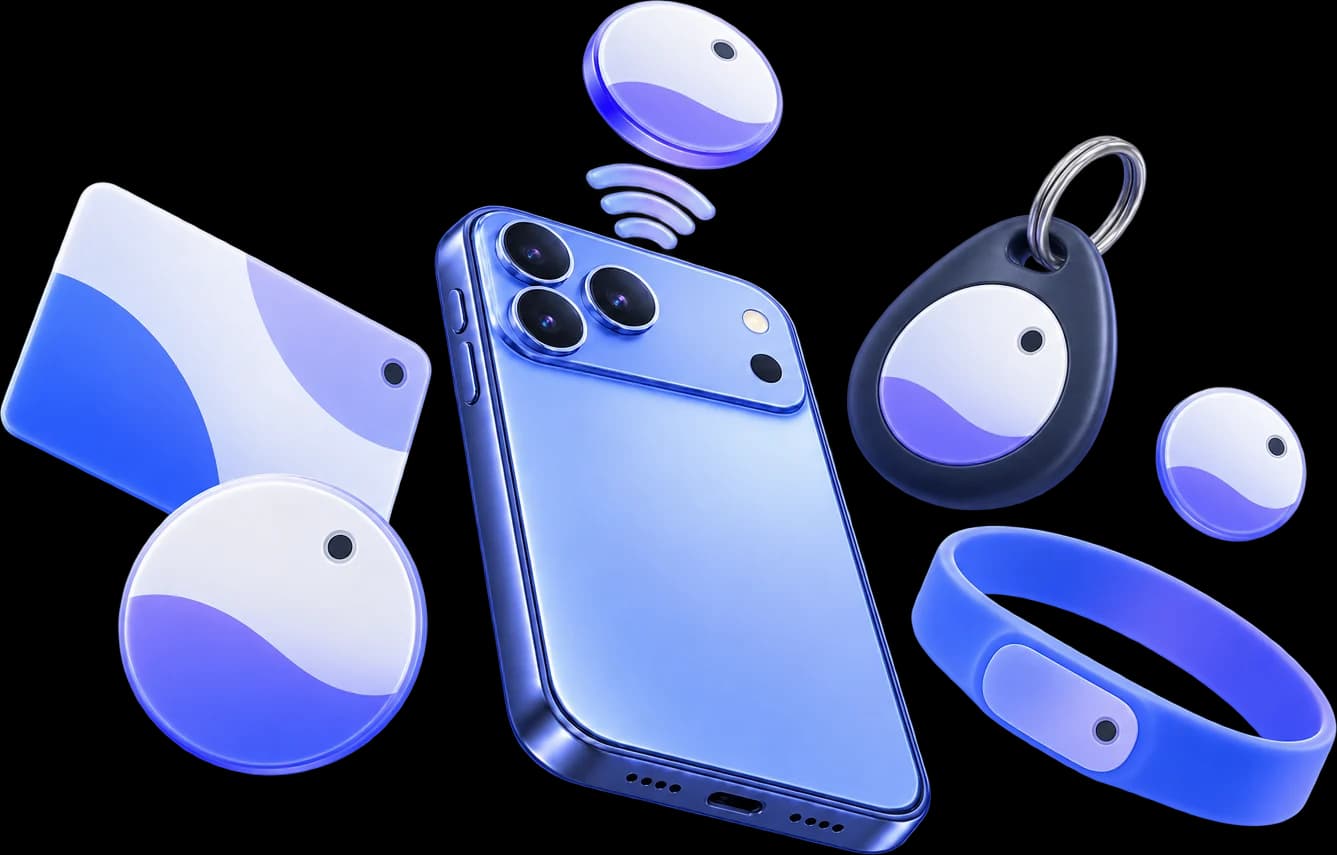
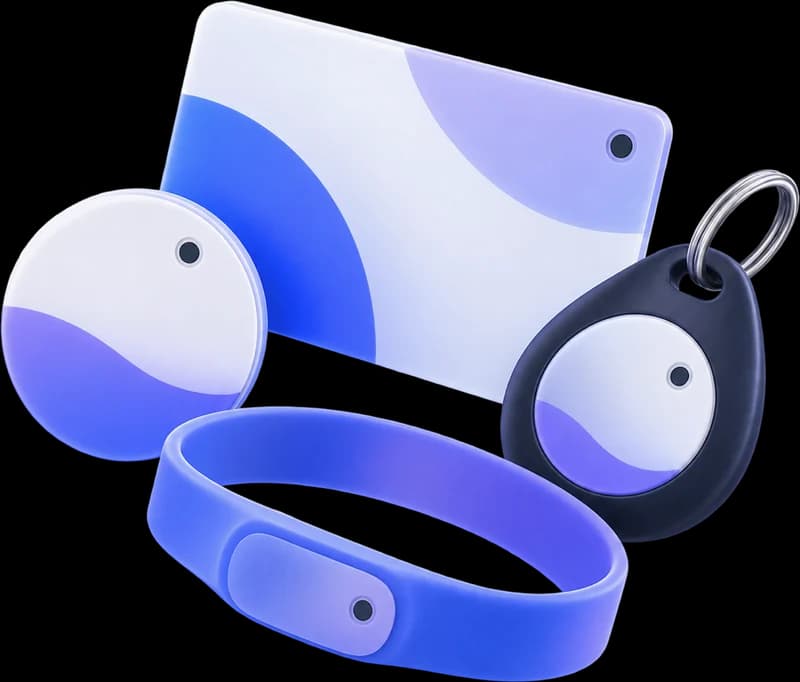
Stickers, cards, key fobs and wristbands built on these chips all work.
- NTAG213137 bytesRead, write, password, lock
- NTAG215492 bytesRead, write, password, lock
- NTAG216868 bytesRead, write, password, lock
- MIFARE UltralightRead and write, passwords on EV1
- NTAG 424 DNARead
- MIFARE ClassicRead on Android phones with an NXP chip
What you can write
- Link
- Text
- Contact
- Wi-Fi
- Phone
- SMS
- Location
- Android app
- MIME
- Raw record
Privacy
No account. Your tags stay on your phone.
No sign-up
nfcify never asks for your name, email or phone number.
Saved on your phone
Scans and drafts stay on your device. Clear them from the Read tab any time.
NFC only when you ask
iPhone scans only after you tap. Android listens only while nfcify is open.
No ads or trackers
Anonymous usage stats help us fix bugs, and you can turn them off in Settings.
Your contact card, on a tag.
We’re working on a way to share your details from an NFC card with one tap. It isn’t part of 1.0.
Questions
Good to know before you start.
Still stuck? Send us a message or email hello@radsoftinc.com.
Tap a tag and see what’s on it.
nfcify 1.0 is coming soon to the App Store and Google Play.